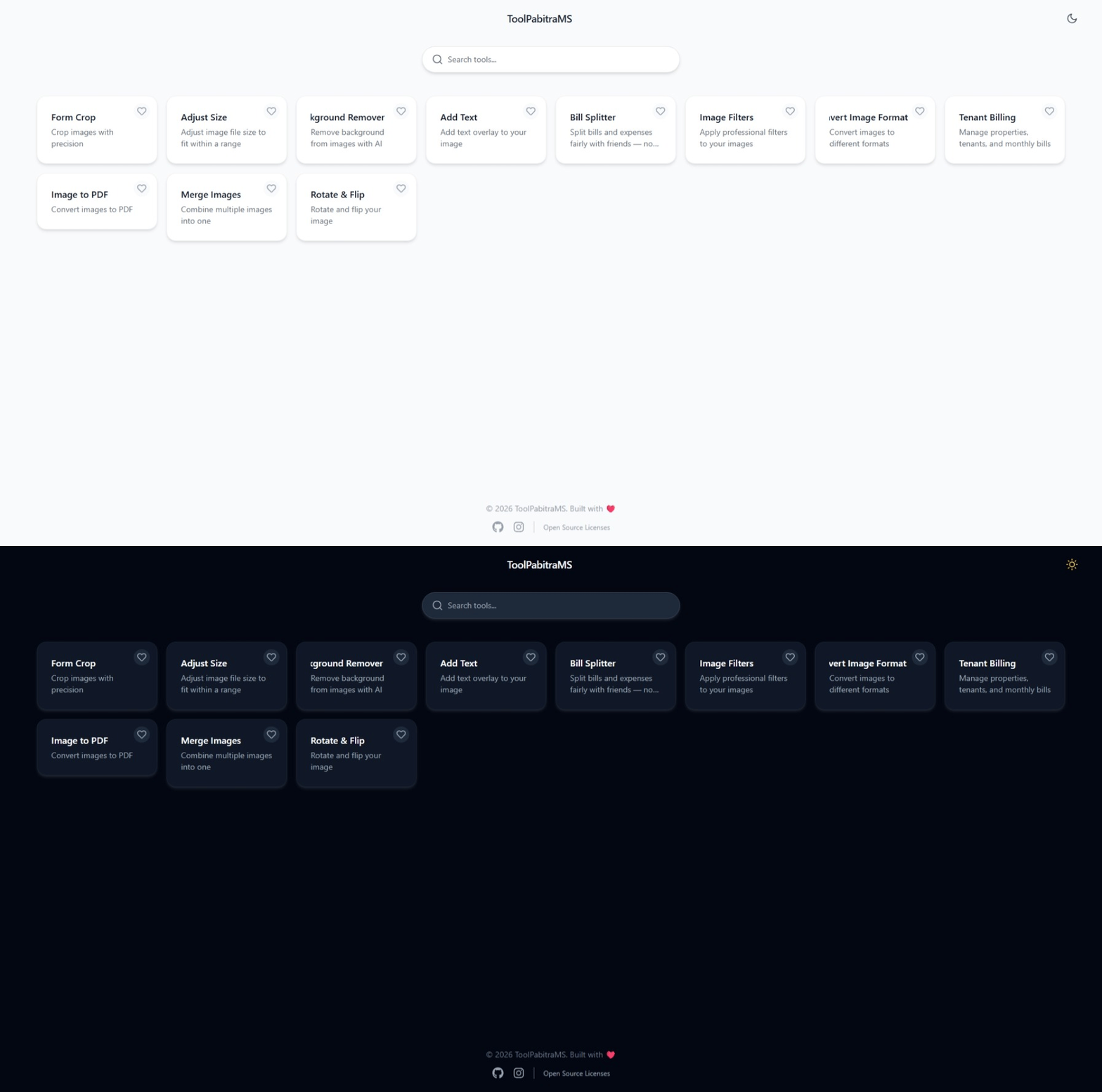
ToolPabitraMS
A privacy-first, browser-based utility toolkit with modular architecture, offline support, and dark mode.
ToolPabitraMS
Why I built this
The internet is flooded with online utilities, but almost all of them require uploading your files to a server.
I’m a strong believer in privacy-first and offline-capable software. I wanted a place where I could build tools that run entirely in the browser—zero uploads, zero data leakage.
This project started as a simple PDF merger, but quickly evolved into a full‑fledged architecture designed to host image editing, text manipulation, and more.
The real goal wasn’t just to build a few tools—it was to build a scaffolding that lets me drop in new utilities effortlessly, day by day, as I have free time.
Architecture (The Immutable Core)
This diagram shows the runtime data flow. Notice how the Core Engine (UI, State, Storage, Registry) is completely isolated from the actual tools.
This separation guarantees that no matter how many tools I add, the foundation stays rock-solid—no cascading bugs, no refactoring nightmares.
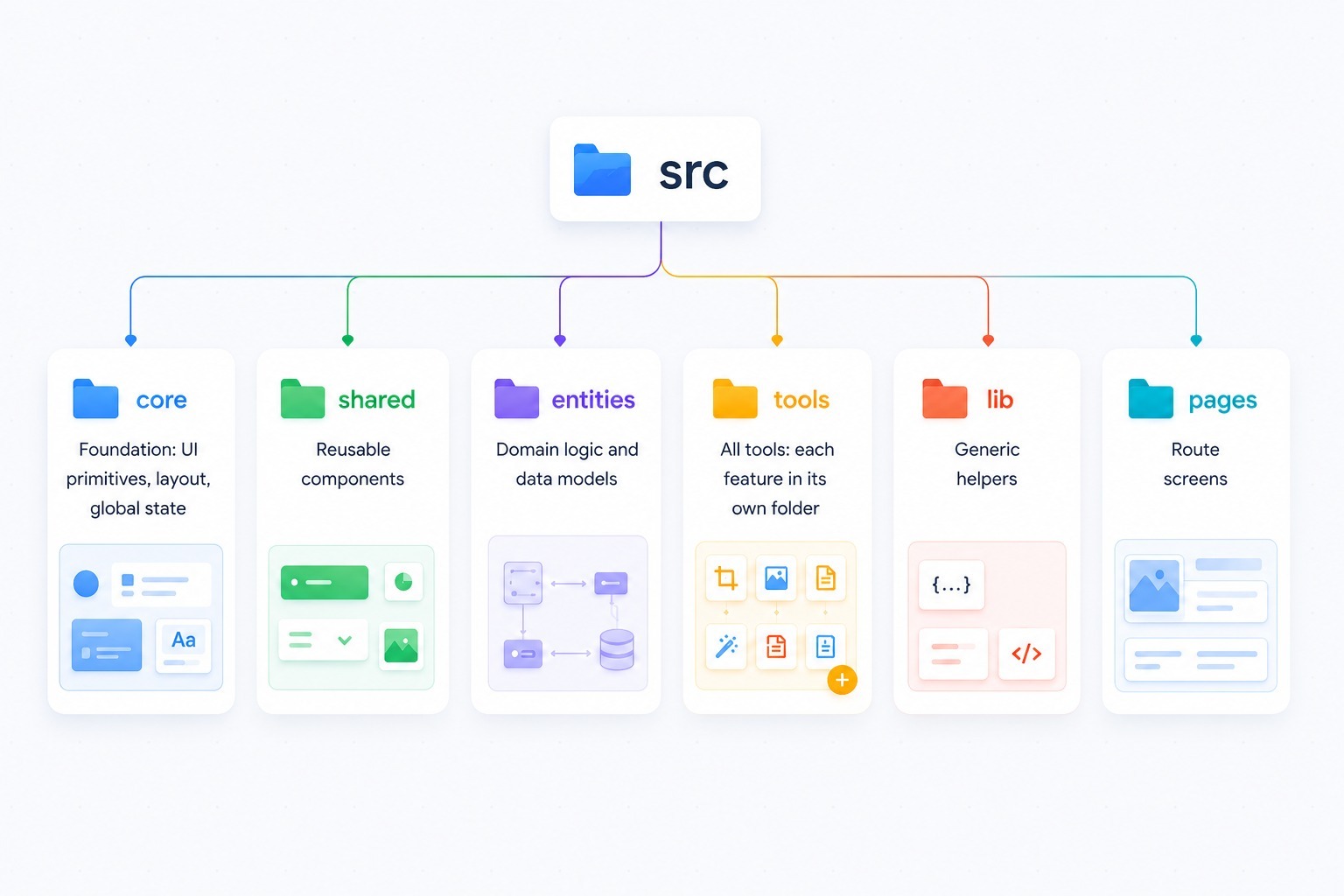
Key architectural principles:
- Lazy Loading: Tools load only when accessed—keeping initial bundle size minimal.
- Dynamic Registration: New tools auto-register via
import.meta.glob. Zero boilerplate per tool. - Persistent Storage: OPFS + IndexedDB provide unlimited local storage (bypassing localStorage’s 5MB cap).
Trade-offs I Made
| Decision | Why I Chose It | The Trade-off |
|---|---|---|
| Zustand vs Redux | Minimal boilerplate, direct mutation style. Faster to iterate as a solo developer. | Less strict state management than Redux. But for this use case, the simplicity is worth it. |
| OPFS + IndexedDB vs localStorage | Handles large files (MBs) and offers unlimited storage. Users keep files across sessions. | Async APIs and more complex code. Accepted this for the privacy-first value proposition. |
Dynamic imports (import.meta.glob) |
Lazy loading keeps initial load lightning fast. New tools are auto-discovered. | Build process is more complex. But for a growing toolkit, the scalability is essential. |
The Hardest Bug
The Problem: Service workers. I wanted to cache the core app for offline use, but still allow new tools to be loaded dynamically.
The service worker would either cache too much (making updates slow) or too little (breaking offline functionality).
Why it was hard: Balancing freshness (new tools) with performance (cached core). A naive cache would either serve stale tools or fail completely offline.
The Solution: I implemented a two‑tier cache strategy:
- Core assets – pre-cached during service worker installation.
- Tool bundles – cached on first request using a stale-while-revalidate strategy.
This means users get the core app instantly offline, while tools are served from cache but silently updated in the background. Best of both worlds.
What I'd do differently
If I rebuilt this today, I would make these architectural improvements:
-
Virtualize the Registry (Pagination Slider)
Currently, the registry scans all available tools on load. With 50 tools, it’s fine. But if this reaches 1,000+ tools, that scan will cause a performance hiccup.
Solution: Implement a Google-style pagination slider—loading only 50 tools at a time to keep the UI buttery smooth.
-
Add a Plugin System
Right now, contributions require forking the entire repo. A proper plugin API would let others build and submit tools independently.
-
Comprehensive Test Suite
Currently, testing is manual. I’d add Vitest for unit tests and Playwright for end-to-end flows to catch regressions as the toolkit grows.
Key Features
- Privacy-first: All processing runs locally—zero server uploads, zero data collection.
- Modular architecture: Add new utilities without touching existing code.
- Offline-ready: Works without internet via service workers.
- Responsive & accessible: Full dark mode support on desktop and mobile.
- Persistent storage: Files stay saved via OPFS/IndexedDB until manually removed.
- Growing daily: New tools added regularly as I find free time.
Links
- Live Demo: ToolPabitraMS
- Source Code: GitHub
- Built with: React 19, TypeScript, Vite, Tailwind CSS, Zustand, IndexedDB, OPFS, Hugging Face Transformers
This is a living project. I add new tools whenever I get free time—so check back often. 🚀